2026 January class is sold out 🙇♂️
Thank you so much for your interest! I’m hoping to open another class later this year :)
Sign Up for the Newsletter
Sign up for the newsletter to be the first to know about future classes! I always announce new classes by email before social media.
Sketching in Blender with Azusa Tojo
This class is made for total beginners all the way to those who already have experience with Blender and want to learn Azusa’s workflow. She will teach almost everything she knows through the class :D
Each week, we’ll dive into a new theme and by the end of the course, you’ll have created over 10 awesome artworks and mastered Blender sketching. Plus, your life as an artist is about to get a whole lot more fun with Blender! (REALLY!) Azusa has put in tons of effort to make this class intense and engaging, so make sure you invest your time and energy in it. I’m super excited to learn alongside you!
Class Info
This class is going to be amazing only if you have the time to fully commit. If your schedule is packed, it might be best to join the shorter workshop or wait for the next one.
◆ Length of Course
9 + 1 Weeks — 9 live classes + a Week 0 assignment.
◆ Blender Version
Planning to use 4.5, but it could change.
◆ Days & Times
Saturdays, 3PM starting January 31st (PST). Mid-week check-in at 9PM on Tuesdays (PST). 2.5h–4h per session. Please prepare for the class to run over sometimes.
◆ Tuition — Feedback: US$1,100
Limited to approximately 7 participants. Individual feedback will be provided for assignments given during the lectures. If you have questions during the homework process, feel free to ask on Discord :)
There is a weekly one-hour session for sharing progress, receiving feedback, and live office hours where you can interact with the instructor. In the final week, there’s a chance to receive feedback from guest teacher Julien Gauthier. Questions during class will be prioritized. Access to archived videos for six months is included.
◆ Tuition — Non-Feedback: US$600
Limited to approximately 50 participants. This course is suitable for those who are good at solving issues on their own. Submitting assignments is mandatory for all participants, but there won’t be individual reviews. You can post on Discord for advice or questions — Azusa or graduates may be able to help.
There is a weekly one-hour session for Feedback students to share progress and receive feedback; Non-Feedback students are welcome to observe. Discord channels allow for information exchange, sharing artworks, and networking. Access to archived videos for about six months is provided.
◆ Class Format
Class meets once a week on Zoom (recorded). Mid-week Office Hours to receive feedback on WIP for Feedback students — optional but highly recommended, not recorded. Work Sessions to hang out and work on homework together. Homework is uploaded to a Google Drive folder. Students have access to pre-recorded demos, class recordings, and lecture notes for 12 months after class ends. Recorded critiques are provided if there isn’t enough time in class. Bonus Discord activities.
◆ Prospective Students
This Blender class is great for intermediate-to-advanced 2D artists who want to use Blender as a tool for design and illustration, and work faster! Please note this course is about how to use Blender as a tool for concept/visual development artists — it is NOT a class to teach design skills.
◆ Prerequisites
• Must have basic design skills and anatomy knowledge.
• Must be dedicated — allocate decent hours for homework (8h+) and turn it in the night before the next class.
• Must do the Week 0 Assignment before the first class.
• Must have experience drawing/painting with Adobe Photoshop.
• Must have a computer powerful enough to run Blender, a three-button mouse, and a microphone (camera optional).
• Must be familiar with using Discord to share screen and participate in discussions.
• You need a 2nd monitor or tablet so you can follow along with Azusa’s live demo more easily.
Every weekly lesson uses knowledge from previous weeks, so it’s very important to finish all homework on time. Please also read the Terms and Conditions & Cancellation & Refund Policy before applying (at the bottom).
Expected Results
Upon completing this course, students are expected to be able to sketch and design using Blender — including making keyframes; designing characters, environments and props; and creating small animations. It will also strengthen their lighting knowledge and understanding of space :)
❤️ Students’ Works ❤️
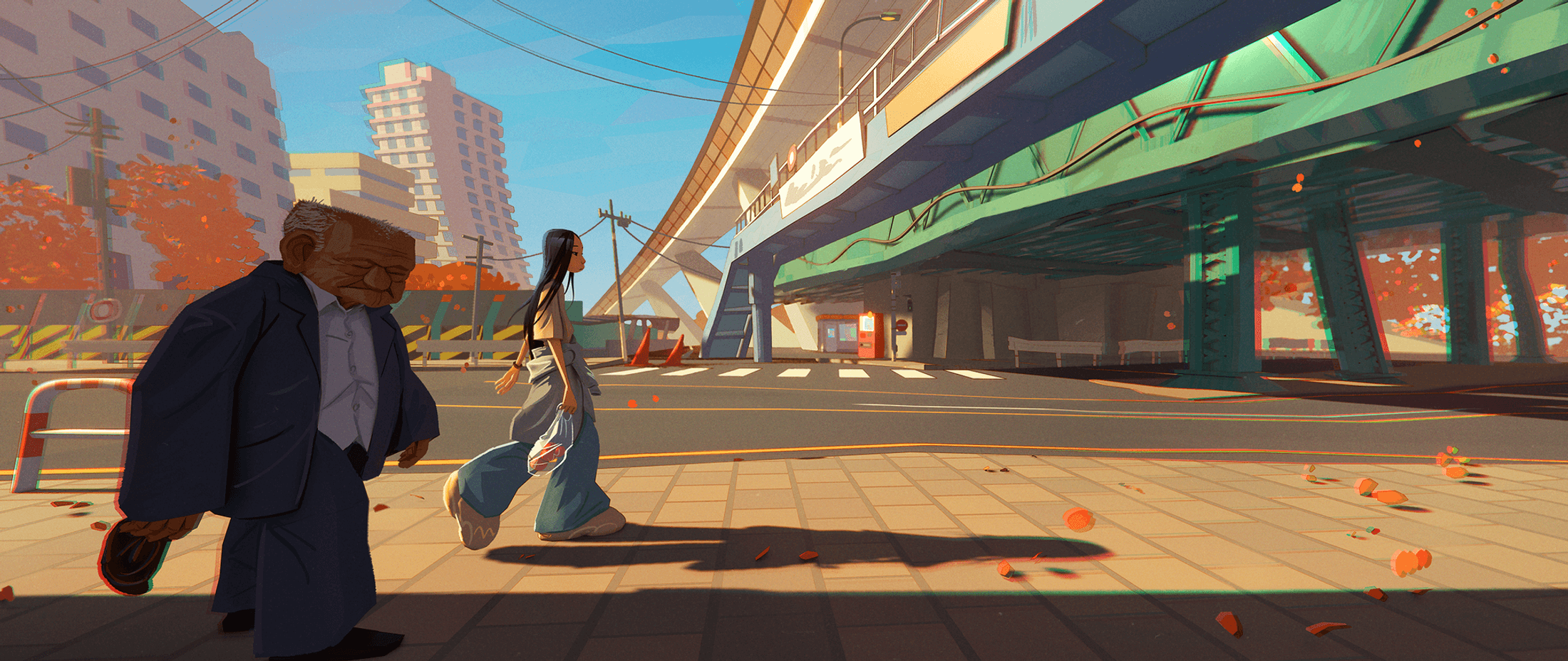
A few pieces from past students — I’ll share more during the class! Hover over the images to see the amazing artists’ names :)
Syllabus
Please understand this plan might change along the way if I get a better idea for the class :) Get ready for an exciting 9 + 1 weeks adventure with Azusa!
Week 0 — Ramen Bowl Exercise
This can be the secret behind all my past students’ success. It’s the most important part. You’ll make more than 2 ramen bowls following Azusa’s Ramen Bowl tutorial to build muscle memory for shortcuts and make friends with Blender before class starts. Don’t wait — start this assignment now following this video!


Week 1 — Scrappy Floating House
You’ll learn all the basic modeling tools and skills I use. After this week you can model almost anything, and you’ll start practicing designing directly in 3D!
Week 2 — Movie Studies
We’ll learn lighting, materials and basic camera. This exercise will let you adjust any colors/values you want in Blender and train your eyes to analyze lighting, material and cameras. You’ll be able to make keyframes after this lesson!

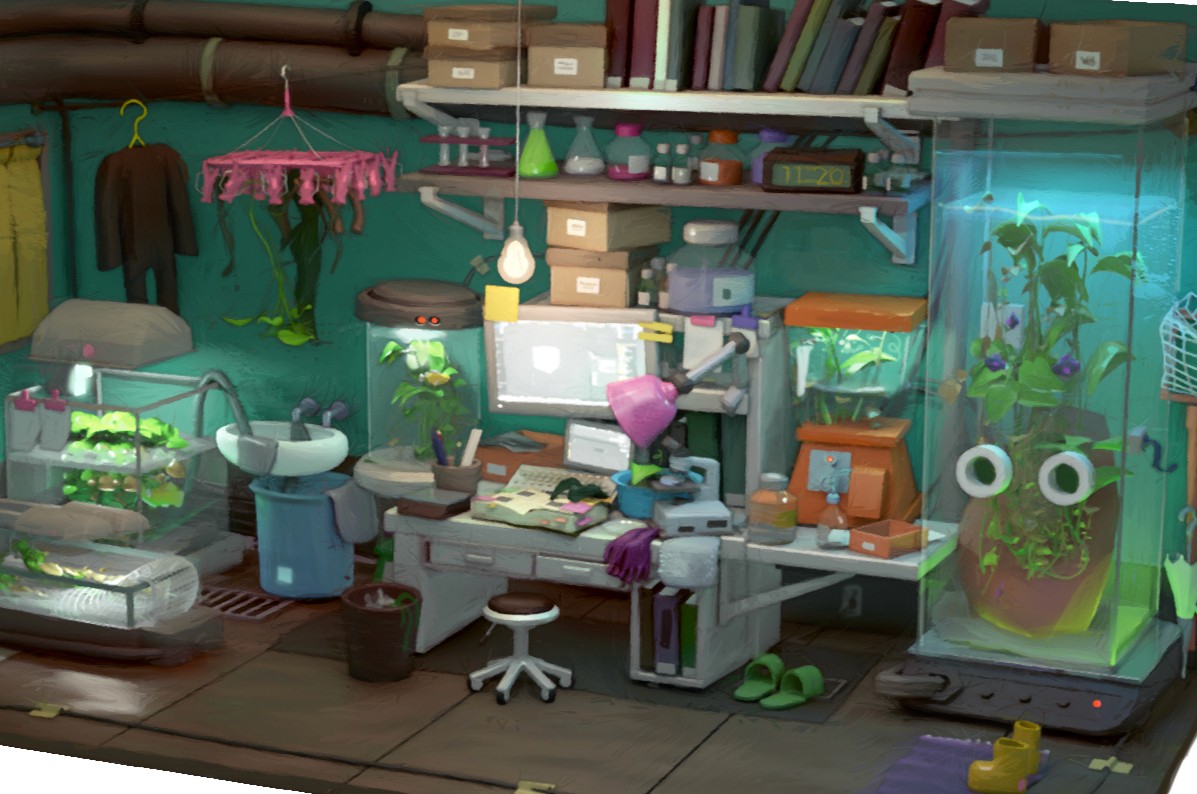
Week 3 — Interior
Learn basic texturing and more about materials through making an interior set design :)
Week 4 — Character Bust
You’ll learn Azusa’s workflow for sketching character heads. You’ll make more than 2 bust shots for your assignment.


Week 5 — Full Character + Pose
You’ll learn Azusa’s workflow to sketch a full-body character, pose it, and present it in Blender :)
Week 6 — Mech or Flying Vehicle
You’ll learn Azusa’s workflow to make a mech! Plus a little about animation and toon shaders. Fun :D


Week 7 — Camp
This week’s theme is camping! I’ll teach you how to do nature things — trees, leaves, water, wind, and more.
Week 8 — Keyframe: Paint-Over Workflow
Make a painting with 3D and learn a workflow to paint over it.


Week 9 — Final Presentation + Tips + Special Guest
You’ll show all the artworks you made in this class and get feedback from our special guest, Julien Gauthier (ex-ILM art director). We’ll also get to see his Blender scenes, and if time allows, he’ll guide us into the world of Geometry Nodes :)
Terms and Conditions — Cancellation & Refund Policy
Cancellation & Refund
To request a refund and cancel your registration, you must contact us at least 15 days prior to the course start date. Week 0 assignments must be completed before the course begins, and beginners typically need 2 weeks. Please note that Stripe does not refund transaction fees, so the refunded amount will be reduced by those fees.
Usage of Students’ Works
Enrollment confers permission for this course to use student work produced during the course for promotional purposes. Credit will be given for any student work featured in promotional materials.
Students Must Be 18 and Above
Our training programs are exclusively available to students aged 18 and above on the first day of class. If you registered before noting this requirement, please contact us as soon as possible for a cancellation and refund.
Class Rescheduling & Cancellation
We may need to reschedule or cancel a course due to unexpected circumstances. In such cases we will notify all registered students. If the course is cancelled, a full refund will be issued.